CandiLedger: Organize Hiring on Mac and iPhone
CandiLedger organizes candidates, positions, interviews and follow-ups on Mac and iPhone, with application stages, task tracking and optional iCloud sync.

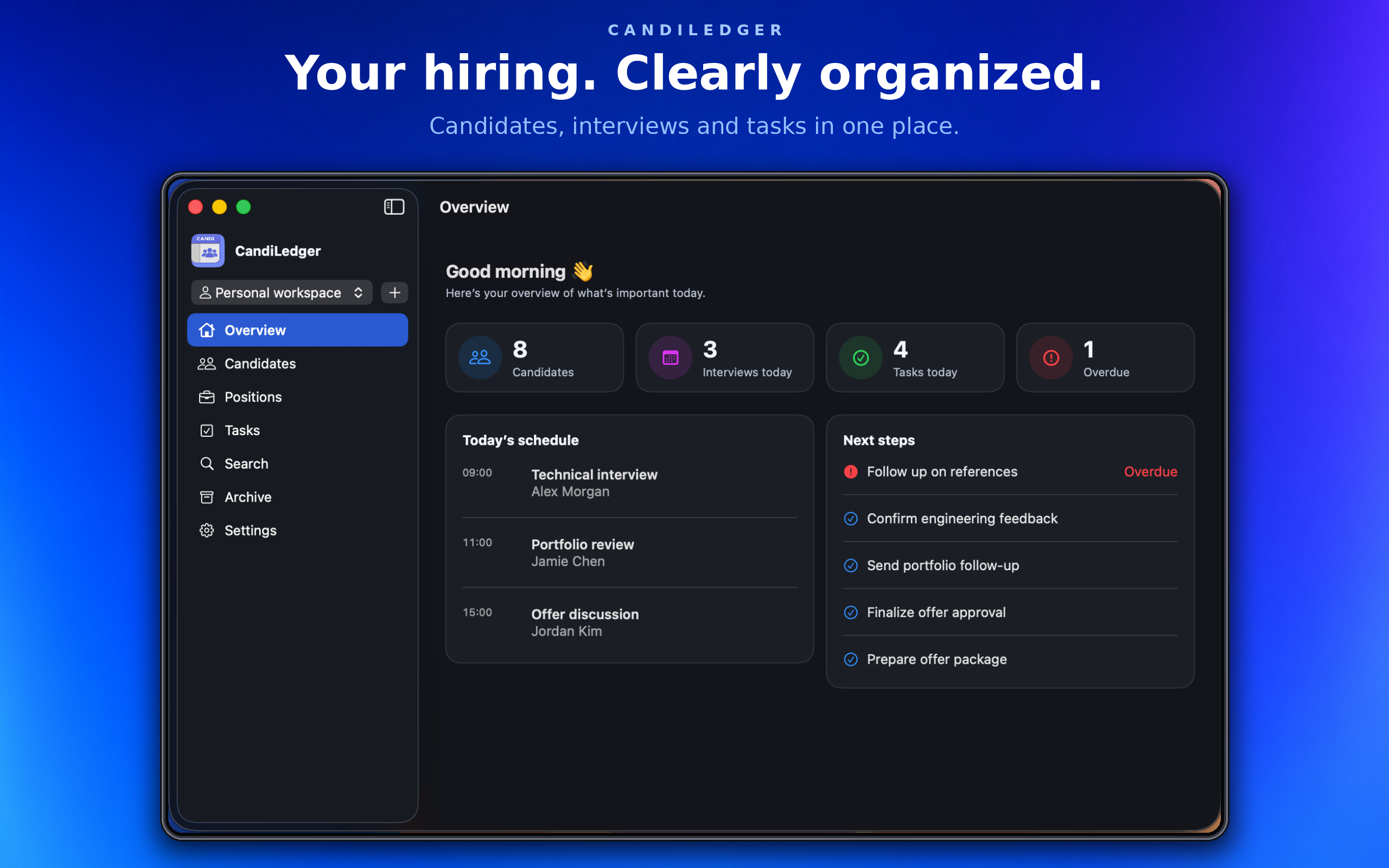
CandiLedger — Your hiring, clearly organized
Keep candidates, positions, interviews and follow-ups together on Mac and iPhone. CandiLedger brings your recruitment records into one workspace, helping you see what needs attention and plan your next steps.
Keep every candidate in context
Store contact details and connect candidates to the positions they apply for. Each application has its own recruitment stage, so the same person can progress independently through different roles. On Mac, review notes and activity alongside candidate information.
Organize your open positions
Create positions, manage their status and review the candidates connected to each role. Keep the status of a position separate from the progress of its applications.
Stay on top of interviews and follow-ups
Start your day with an overview of scheduled interviews, planned tasks and overdue follow-ups. Create tasks with notes and due dates, link them to candidates and mark them complete as you go.
See your recruitment pipeline
Use the Mac pipeline board to review applications grouped by recruitment stage. Search and filter by position to focus on the role you are working on.
Find what you need
Search candidates, positions and notes. Archive records to keep your active lists focused, then restore them when needed. On Mac, include archived records in your searches.
Keep your records connected with iCloud
Your records are stored locally on your devices and sync through your private iCloud account when enabled. Tegisoft does not collect your recruitment records or app usage analytics.
Built for Mac and iPhone
Work with a sidebar and pipeline board on Mac, or access your recruitment records through the tab-based interface on iPhone.