Project Awake
Keep your Mac awake for as long as you need. Project Awake is a simple menu bar utility that prevents your Mac from sleeping automatically during a session. Use it while presenting, downloading files, reading, or waiting for a long-running task to finish.
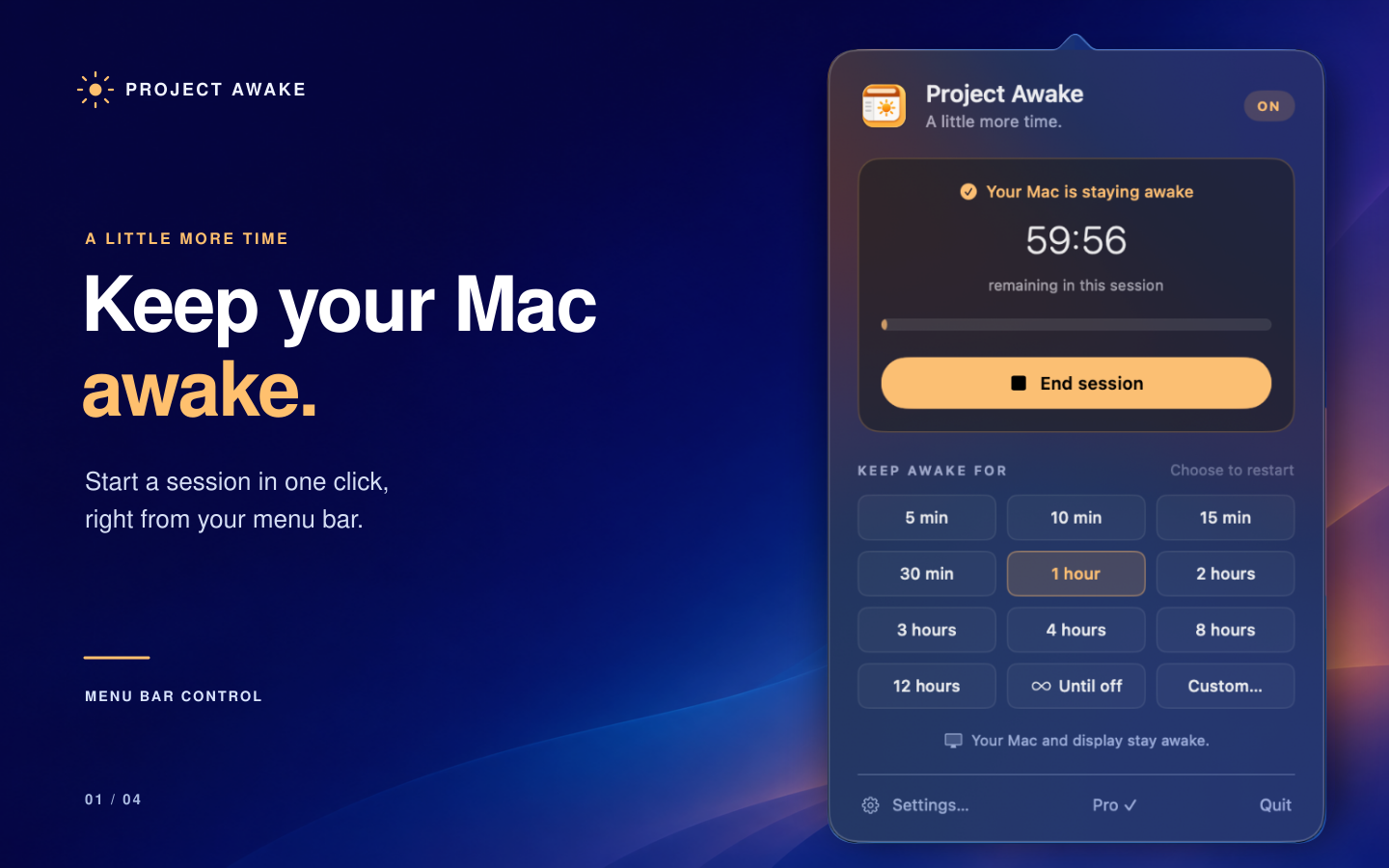
Keep your Mac awake for as long as you need.
Project Awake is a simple menu bar utility that prevents your Mac from sleeping automatically during a session. Use it while presenting, downloading files, reading, or waiting for a long-running task to finish.
Click the sun in your menu bar, choose a duration, and get back to your work. End the session whenever you like, or let the timer finish automatically.
FREE FEATURES
• Start sessions lasting 5, 10, 15, 30, or 60 minutes.
• Start and stop sessions from the menu bar.
• Keep the display awake, or allow it to sleep while your Mac stays awake.
• Launch Project Awake when you log in.
• Pause a session when switching to another macOS user and resume when you return.
• Automatically end a session when your Mac switches from external power to battery.
MORE CONTROL WITH PRO
Unlock Project Awake Pro with a one-time in-app purchase. No subscription.
• Additional presets lasting up to 12 hours.
• Custom durations of up to 7 days.
• Keep-awake sessions that last until you turn them off.
• A global keyboard shortcut to toggle sessions.
• Automatic sessions when Project Awake launches.
• Remaining time displayed in the menu bar.
• Menu bar appearance options.
• Automation through Apple Shortcuts and the awake: URL scheme.
SIMPLE AND PRIVATE
No account required. No ads or tracking. Preferences stay on your Mac, and Project Awake does not collect personal data. Apple securely handles purchases through the App Store.
DESIGNED FOR macOS
Project Awake lives in your menu bar without a Dock icon. It prevents idle sleep while respecting macOS behavior: it does not override deliberate sleep, shutdown, or normal sleep when a MacBook lid is closed.
Requires macOS 14 or later.