Tasks
Learn how to add and remove tasks, set priorities and due dates, record time spent, mark work complete, and find tasks by date in Projects & Tasks.
Use tasks to keep project work organized, set priorities and due dates, and track completion.
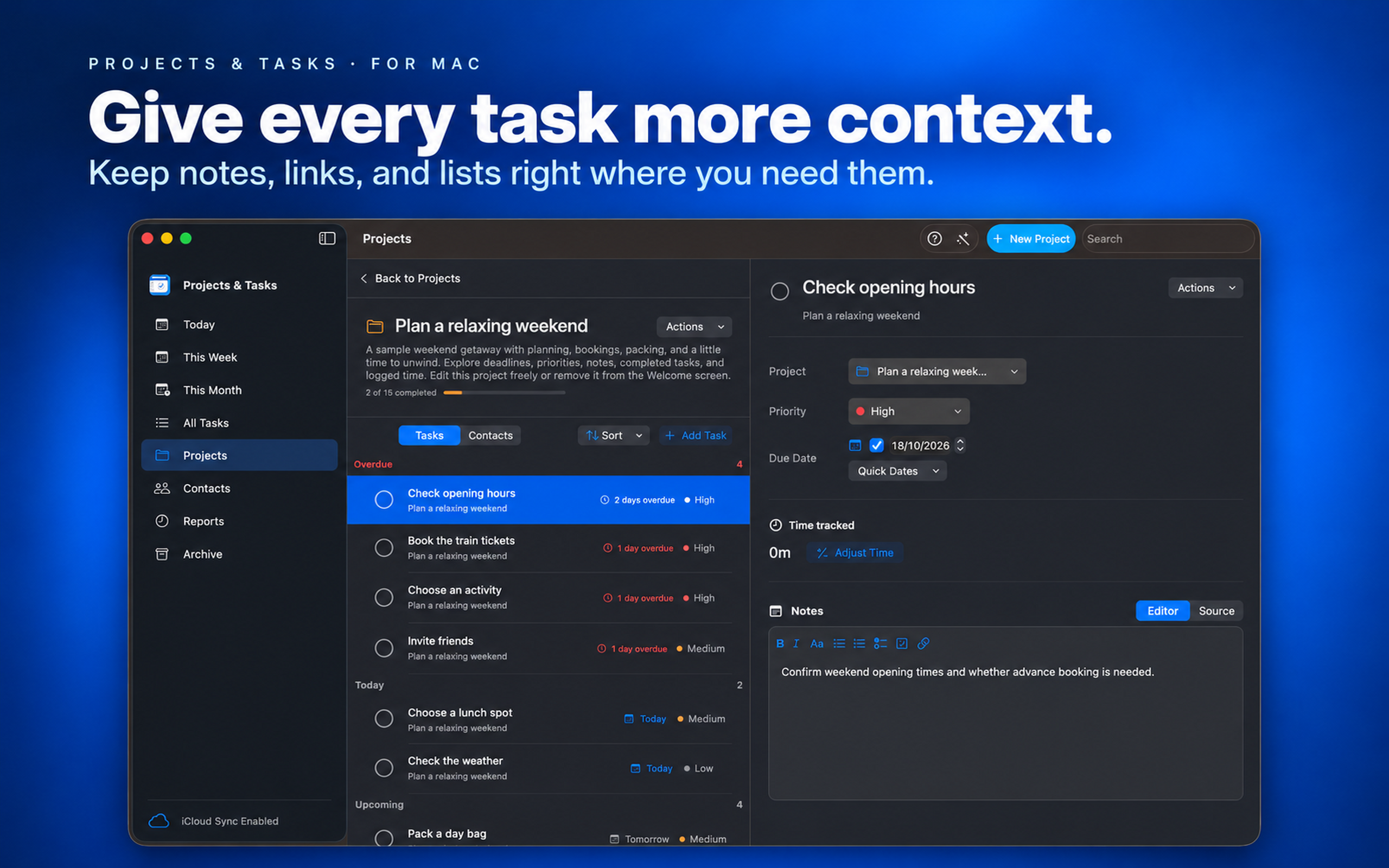
Add or remove tasks
Use the + Add Task button to add a task and the Right click -> Delete - to remove one. On Mac, you can also press ⌘N to create a task.
Use the toolbar to add a project, task, or contact.
Set a priority
Change a task’s priority to help identify what needs attention first.
Record time spent
Enter the hours spent on a task. The project will automatically include those hours in its total.
Tasks can also have due dates and be marked complete. You can find tasks using the Today, This Week, This Month, and All Tasks views.
For more ways to organize project details, see