Projects & Tasks: Project and Task Management
macOS · iOS · iPadOS

Projects & Tasks brings tasks, deadlines, notes, contacts, and time tracking together across iPhone, iPad, and Mac. Version 3.0 adds AI assistance to help you turn ideas into projects, find actions in your notes, and understand what needs attention.
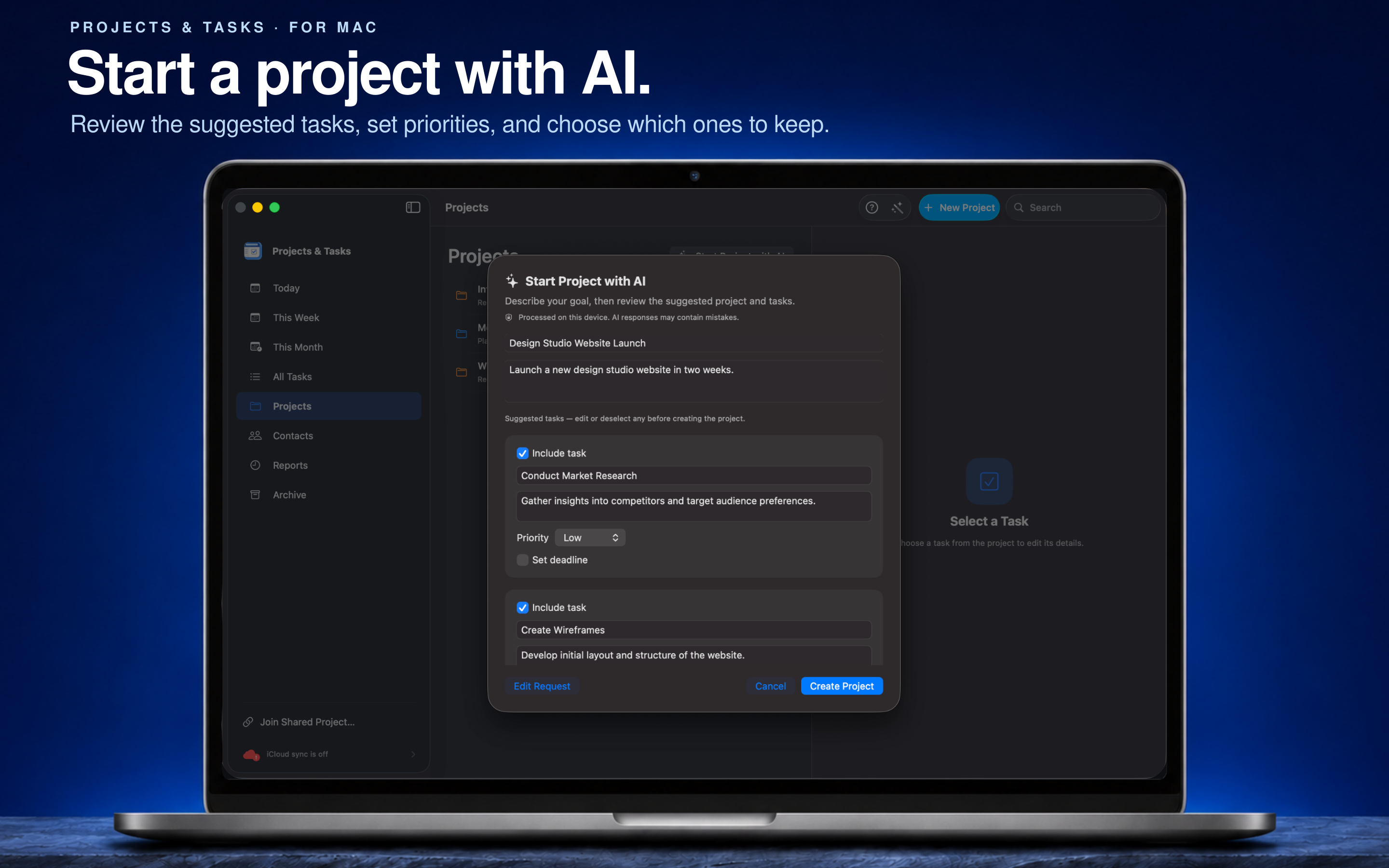
Move from an idea to an actionable plan with AI features that run on your device. Review suggested projects and tasks, make changes, and choose what to save.
Describe what you want to achieve and get a project draft with suggested tasks. Edit the project details, refine the tasks, and select which ones to include before creating your project.
On Mac, turn a written request into several tasks at once. Describe the work in everyday language, including priorities and deadlines where useful. Review the suggested tasks and confirm their details and dates before adding them to your project.
Turn meeting notes or a project brief into action items on Mac. Review the extracted tasks, adjust their titles and priorities, and set deadlines before saving.
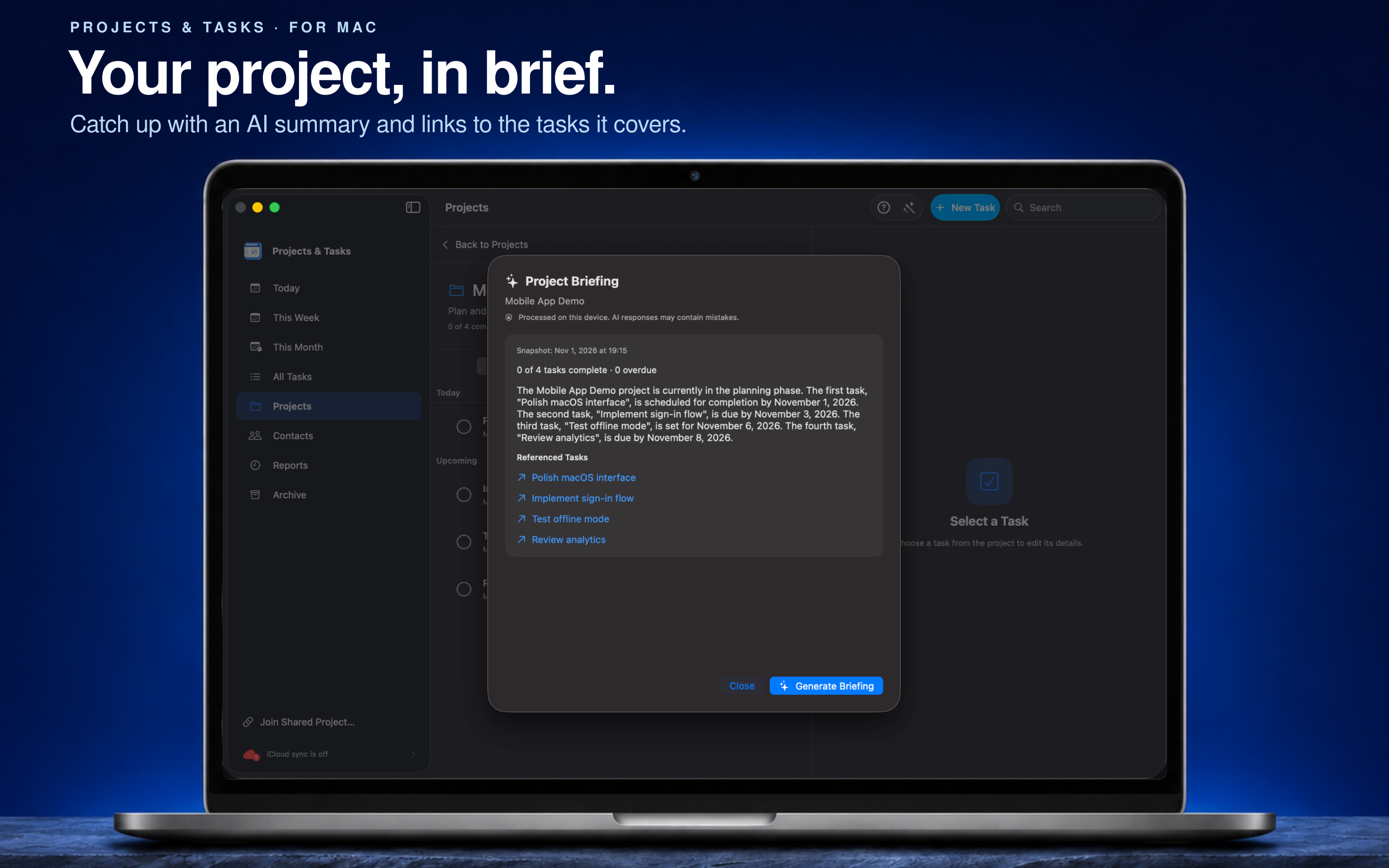
Catch up on a project with an AI-generated summary of its current state. See progress and outstanding work, with links to the tasks referenced in the briefing.
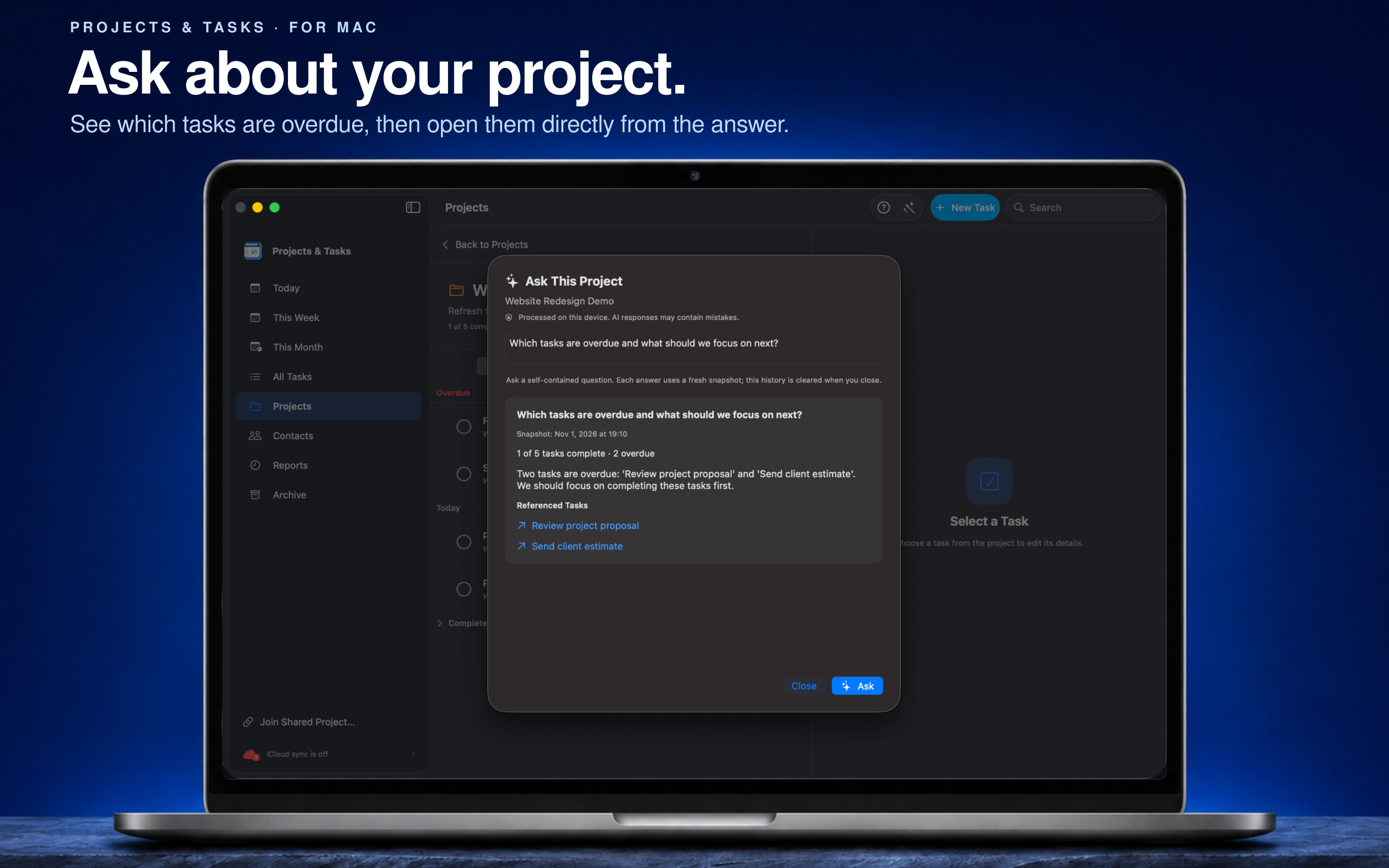
Ask questions about your project's tasks on Mac, such as which tasks are overdue or what needs attention next. Answers use a fresh snapshot of the project and include links to referenced tasks so you can check the details.
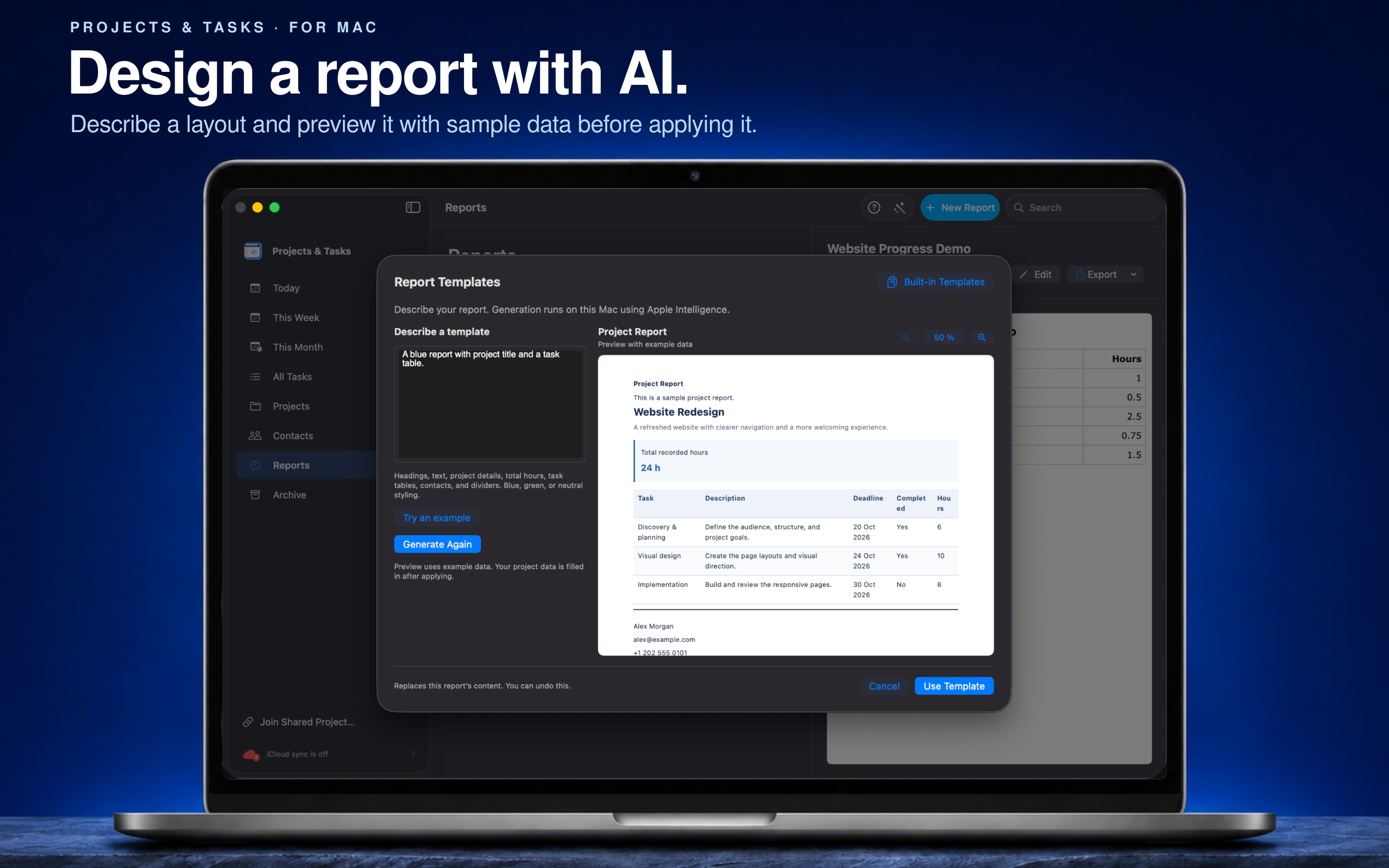
Describe the report content and style you want on Mac. Preview a suggested template with sample data, then apply it to your report to present your project's information.
Browse Today, This Week, This Month, or All Tasks to see your work from the right perspective. Set priorities, choose due dates, and schedule tasks to repeat after completion.
Group related tasks into projects and follow their progress as you complete them.
Add context with formatted notes, lists, checklists, and links. Switch between the visual editor and Markdown source to write the way you prefer.
Keep contacts with their projects so names, phone numbers, email addresses, and locations are easy to find.
Create reports on Mac that bring task status and recorded hours together. Choose a report template, edit the content, and export the result.
Use Projects & Tasks on iPhone, iPad, and Mac, with layouts suited to each screen. Enable iCloud sync and use project sharing to collaborate with the people you invite.
AI features require a supported device, and availability varies by platform. AI-generated results may contain mistakes; review them before use. Project sharing requires iCloud sync.
macOS · iOS · iPadOS

macOS · iOS · iPadOS